A MEMORY THAT KEEPS LIVING

One touch. Your memories, always alive.

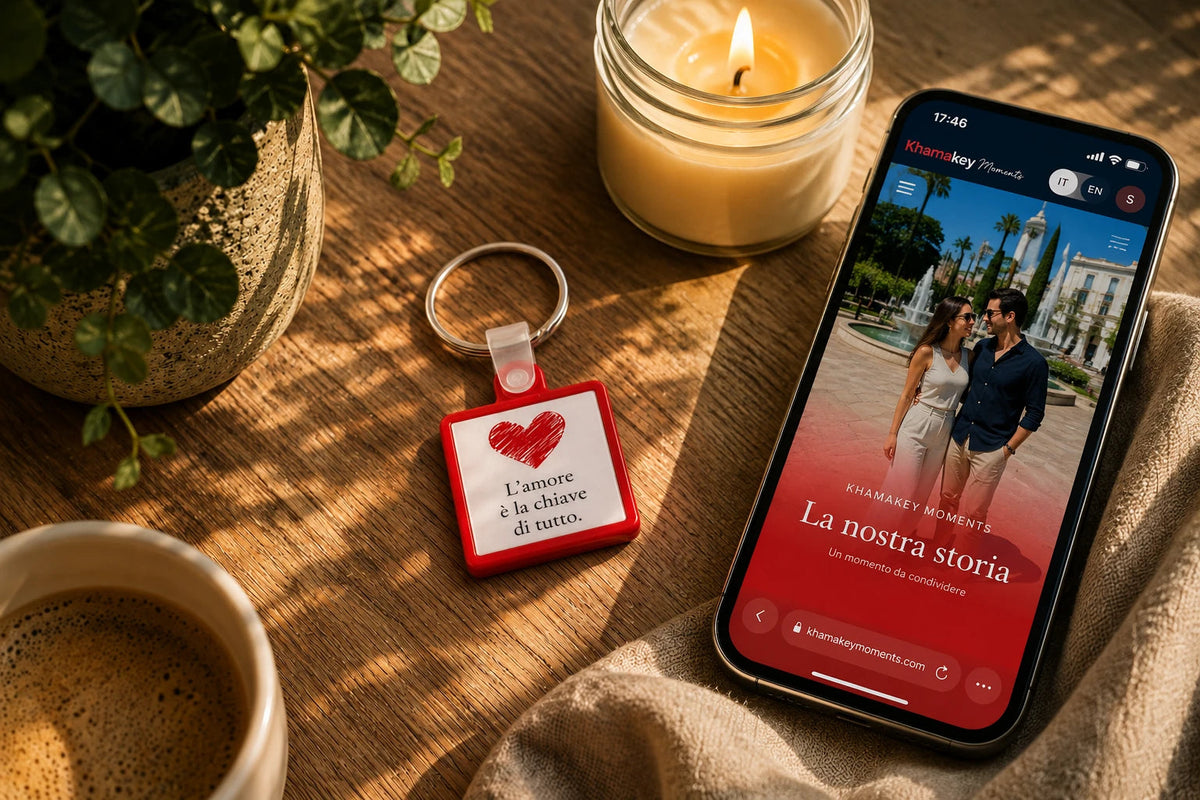
Inside every Moment is an NFC chip linked to your Moments Page. Use the included activation code to register your Moment and access the Moments Editor, where you can add photos, videos, music, letters, voice messages and more. Update it whenever you like, so your story can keep growing over time.

AS SIMPLE AS THAT

Three steps. And your Moment lives on.

No app to install. All you need is the smartphone you already have.

1. Choose your Moment

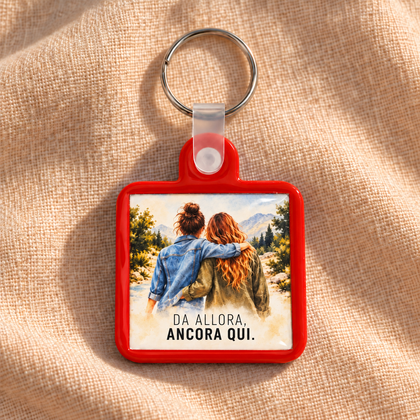
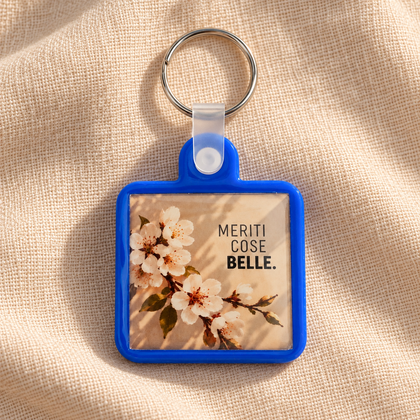
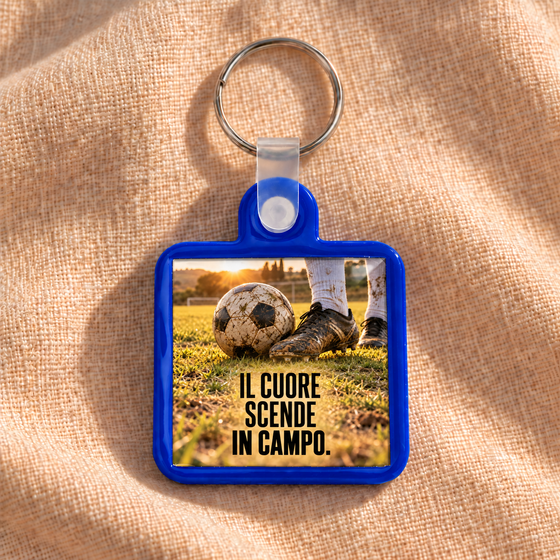
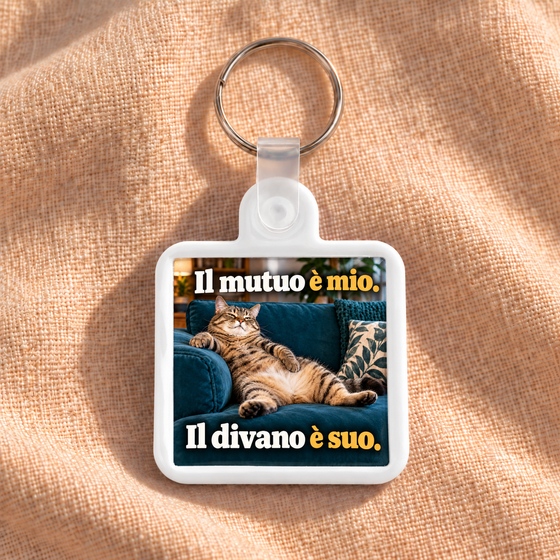
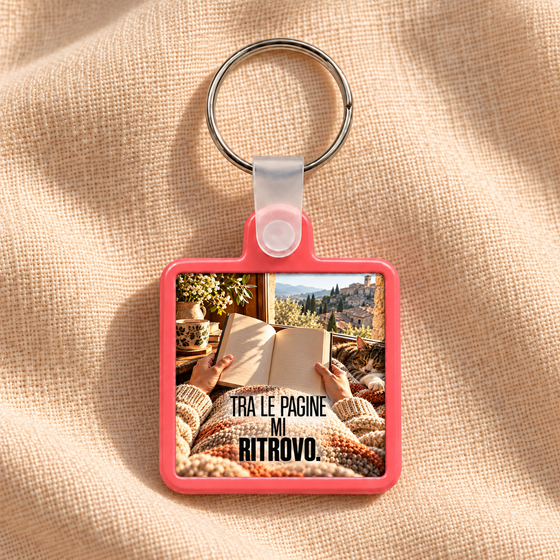
Choose the design that tells your story. Every Moment includes a personal activation code and access to its Moments Page.

2. Activate and create your Moments Page

Use the included code, sign up for free and access your Moments Editor. Add photos, videos, music, letters, voice messages and everything that tells your story.

3. Tap. And relive.

Simply tap your smartphone against the Moment to open your Moments Page. You can keep updating it over time: the Moment stays the same, while your story lives on.

MORE THAN A GIFT

A gift that tells your story

A personal way to preserve what you've shared and keep writing the story that's still to come.

A story worth keeping

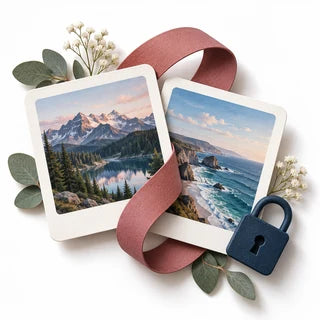
Photos, videos, words and music: keep everything that belongs to your story together in your Moments Page.

A surprise waiting to be discovered

Create the Moments Page before giving it and turn your Moment into a surprise waiting to be discovered.

A memory that lives on

Add new content even after you've given it. The Moment stays the same, while your story keeps growing.

Small to carry. Big to experience.

Everything in one Moment

Photos, videos, music, letters and voice messages: all your memories, together in one place.

No app to install

Tap a compatible smartphone against the Moment and your Moments Page opens instantly.

Privacy is your choice

Protect your Moments Page with a PIN or leave it accessible with a tap. You decide how to share your memories.

Update it anytime

Add new content anytime from your Moments Editor. The Moment stays the same, while everything it holds keeps growing.

FAQ

Everything you need to know

Can I give it as a gift without activating it?

Yes. You can create the Moments Page before giving it, or leave the Moment unactivated. The recipient can then use the included activation code to sign up and create their own Moments Page.

What is the activation code for?

The code links the Moment to your account and gives you access to the Moments Editor. Once activated, you can create and update the Moments Page whenever you like. The code is only needed for activation — it isn't required to view the page.

Do I need an app?

No. There's no app to install. Simply tap a compatible smartphone against the Moment to open the Moments Page.

Can I protect my Moments Page?

Yes. It's up to you. You can protect it with a PIN or leave it freely accessible. You can change or remove the PIN anytime from the Moments Editor.

What can I add to my Moments Page?

Photos, videos, music, letters, voice messages, dedications and more to tell your story. You can edit them or add new content even after activation.

Do I need a subscription?

No. Access to your Moments Page and the Moments Editor, including the features that come with your purchase, doesn't require a subscription.

Which smartphones are compatible?

It works with most modern NFC-enabled smartphones, including both iPhone and Android devices. No app is required.

The best stories live on.

Choose your Moment and keep what matters close, reliving it and adding new memories over time.